
Agents and reviews
Choose an agent and keep its work visible.
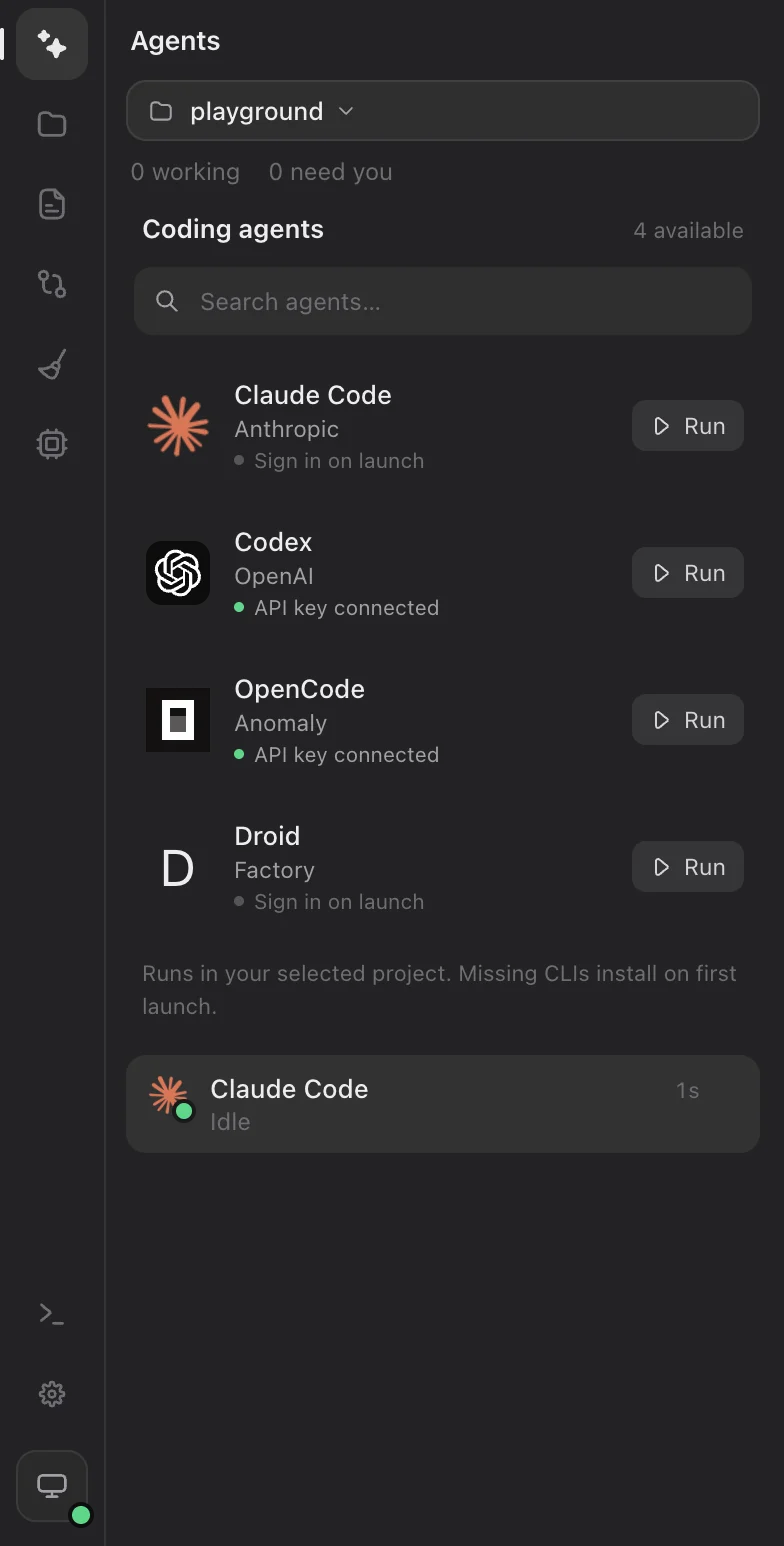
Agent state
Working means the agent is running. Needs you means it is waiting for input or approval. Idle means it is ready for another message. Open the thread to see the exact request before approving.
Pair a reviewer
Pair Claude Code and Codex to have one build while the other reviews in read-only mode. Reviews appear in the builder’s chat. Send feedback to the builder when you want it applied. Reviewer turns use the reviewer’s account or key and can incur provider charges.
Undo a turn
In a Git project, Macaron saves a checkpoint before and after each agent turn: every tracked and untracked file that isn’t ignored, leaving out node_modules and build output. Checkpoints are kept under refs/macaron in the repository; your branch, staged changes and history are not touched. Press Undo this turn under a turn to reverse the file changes it made. If a later turn or your own edits changed the same files, Macaron refuses instead of overwriting them; undo the later turns first. Your next message tells the agent about the undo. Inspect the diff afterwards.